
Donation tracking can be a headache for nonprofit organizations. There are so many different types of donations, and keeping track of who and when each was received can be a big challenge. Additionally, keeping up with the tax records and receipts is another related challenge. 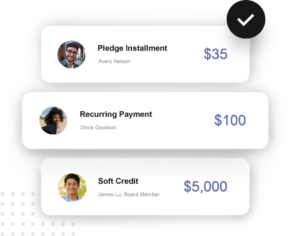
Donation Tracking Considerations
Donation tracking becomes more complicated if your organization hosts many different events, campaigns, and fundraisers. In addition, if you use many different systems for campaigns, auctions, and events, things get more complicated.
The good news is that it doesn’t need to be this difficult. Giveffect makes donation tracking easy. For nonprofits that use Giveffect as their all-in-one nonprofit management software, this single platform keeps track of all donations from any source or group. You can sort and view donation records with a click and see all the sources and dates for each one.
Automated Giving Statements and Tax Receipts with Giveffect
When a donation is made online, a donation receipt is automatically sent to the donor if the donor selects the option. If it is an offline donation, it’s a simple added click to send the receipt to the donor. At tax time, it is common for people to forget or lose those receipts. Giveffect makes it easy to view and/or resend a new receipt to any donor with the click of a button.
Another helpful Giveffect feature is automated annual statement creation. The tool makes it easy to see all donations from a donor with itemized receipts over a specified time period.
Statements can be prepared for various date ranges outside of a simple Annual range. From this view, you can also share the individual statements with the donor by printing and mailing a PDF or by emailing it to them directly through Giveffect.
This information is useful for recognizing all tax-exempt donations by the IRS, as organizations are required to file an annual report with the IRS disclosing this information.
For donation tracking, simply bring up the name of the donor in the CRM, and you can see their donations. Click on “email selected” from the top arrow to send receipts to many. See below for more information:
To learn more about simplifying donation tracking with Giveffect, schedule your demo today!